You might also like:

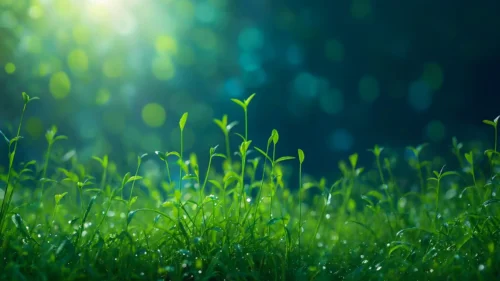
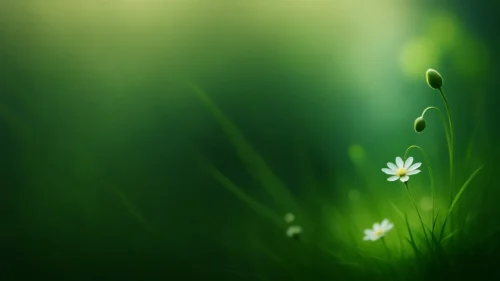
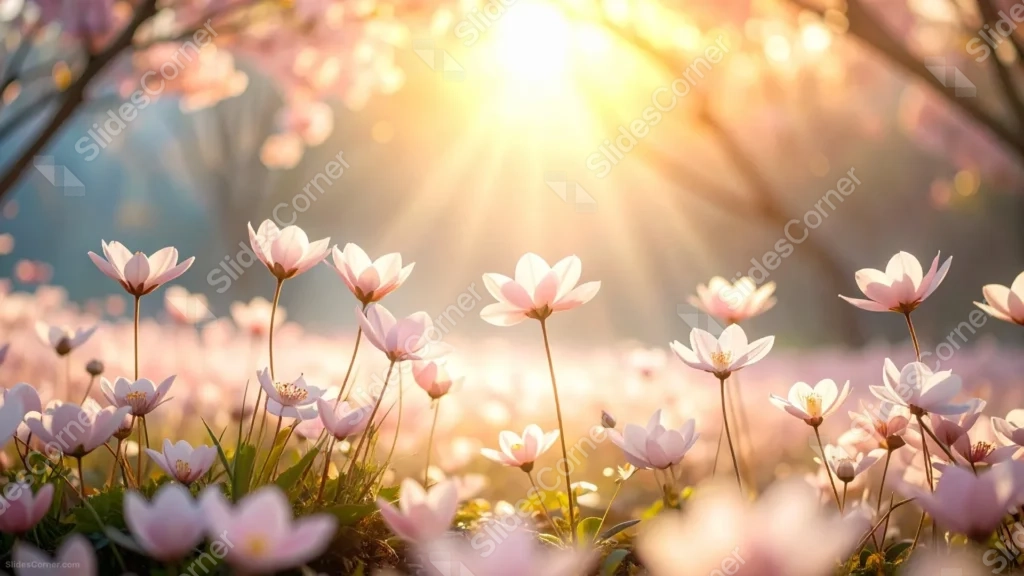
This spring flowers background for PowerPoint is shot at ground level, looking up through a meadow of pale pink blossoms toward a bright, low sun.
Golden sunbeams break through blossom-covered branches at the top of the frame, while delicate flowers on thin stems fill the pink-and-white foreground.
What This Spring Flowers Background Looks Like
A wide field of small, five-petal flowers rises on slender stems, their white and blush petals lit from behind by the low afternoon sun.
Cherry blossom branches arch in from both upper corners, softly blurred, framing the bright core of light at the top center.
The whole scene sits in a warm haze, with the flowers closest to the camera falling gently out of focus at the very bottom edge.
Where This Spring Flowers Background For PowerPoint Fits
- Spring events, garden parties, or nature talks
- Wellness, mindfulness, or gratitude presentations
- Wedding or engagement announcement slides
- A desktop wallpaper for anyone who loves golden-hour light
Design Choices Behind This Sunlit Meadow
I placed the sun directly behind the flowers, not off to one side, so every petal picks up a thin rim of backlight instead of sitting in flat shade.
The blossom branches at the top were kept soft and out of focus on purpose, framing the sunburst without competing with the sharper flowers below.
Because detail and light fill nearly every part of the frame, I treated this as a full wallpaper-style scene rather than one built around an empty text zone.
How to Apply It in PowerPoint
- Go to Design > Format Background.
- Choose Picture or texture fill, then Insert from file.
- Click Apply to All to carry it across the whole deck.
How to Apply It in Google Slides
- Open Slide > Change background.
- Click Choose image and upload the downloaded file.
- Select Done, repeating on any other slides you want to match.
Legibility Tip for This Spring Flowers Background
Keep your headline low, just above the bottom blur, and add a soft dark shadow behind the text so it holds up against the bright sunburst above.
Frequently Asked Questions
Is this spring flowers background free?
Yes, it’s a free download with no watermark and no account required.
Does it work in Google Slides too?
Yes, it’s a standard image file, so it applies the same way in both PowerPoint and Google Slides.
What resolution is included?
1920×1080 px, HD 16:9, suited to slides and to a desktop or phone wallpaper.
Can I use it as a wallpaper?
Yes, the 16:9 ratio and warm light make it a lovely desktop wallpaper.
Features at a Glance
- HD 1920×1080 resolution, 16:9 ratio
- Free download, no watermark
- Ground-level meadow of pink and white spring flowers
- Golden sunbeams through blurred blossom branches
- Warm, natural bokeh throughout
- Works as a PowerPoint background, Google Slides background, or wallpaper
Specs
- 1920 x 1080 px · 16:9 widescreen
- JPG, high quality, no compression artefacts
- PowerPoint · Google Slides · Keynote · Canva
- No watermark · no sign-up
- Free for personal and commercial use
You can use this Golden Spring Flowers Background For PowerPoint as a Wallpaper or use it as a background for slides.
Looking for something different? Browse all our free PPT Backgrounds, or see how to set a background in PowerPoint and Google Slides.