

You might also like:




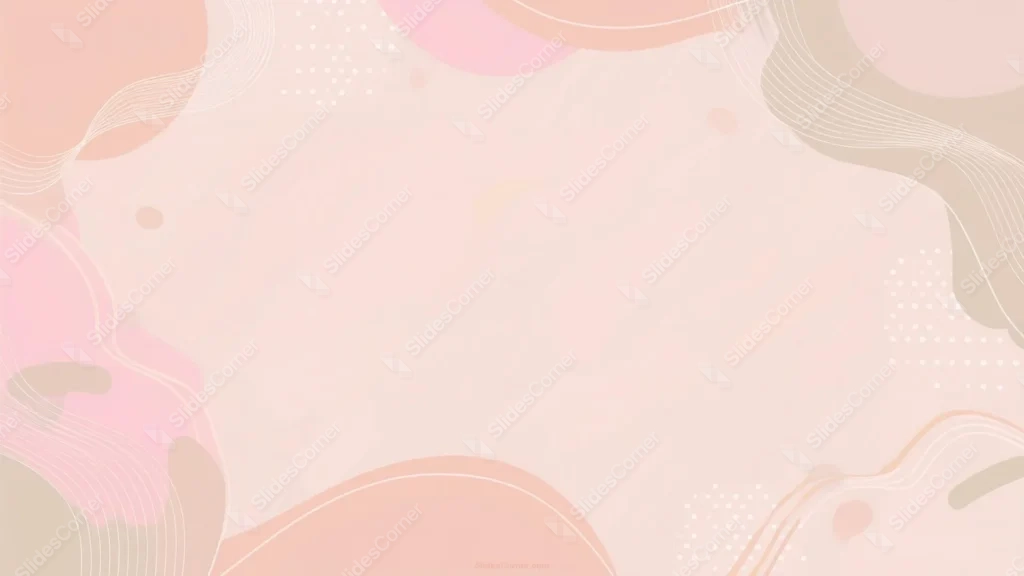
This cute pastel background for Google Slides frames all four corners with coral, pink, and soft taupe shapes, leaving a wide, open blush-pink center completely clear.
Thin wavy line clusters and small halftone dot patterns wrap around each corner, giving the piece texture without ever crowding the middle.
What This Cute Pastel Background Looks Like
Each corner carries its own cluster of organic blobs, a coral half-circle top-left, a hot pink and taupe blend lower-left, and a soft khaki-brown wave top-right and bottom-right.
Fine white contour lines ripple through every corner cluster, and small dotted halftone patches sit tucked just inside each frame.
The entire center of the frame stays a soft, quiet blush pink, broken only by a couple of tiny scattered dots and one faint golden accent near the top.
Where This Cute Pastel Background For Google Slides Fits
The fully open center makes it a strong fit for personal branding decks, lifestyle content, invitations, and any presentation wanting a playful frame around the text.
It also works well for social media planning slides, mood boards, and cute, girly-toned business decks.
Design Choices Behind the Corner Frames
I framed all four corners with wavy line clusters and dot patterns instead of decorating just one side, so the wide blush-pink center stays completely open no matter where text lands.
Mixing coral, hot pink, and taupe blob shapes only at the edges keeps the palette playful without letting it turn busy or overwhelming.
Scattering a few tiny dots and one soft accent shape near the center-top gives the empty space a quiet visual anchor, so it never feels entirely blank.
How to Apply It in Google Slides
- Open Slide > Change background.
- Click Choose image and upload the downloaded file.
- Select Done, repeating on each slide you want to match.
How to Apply It in PowerPoint
- Go to Design > Format Background.
- Choose Picture or texture fill, then Insert from file.
- Click Apply to All for the whole deck.
Legibility Tip for This Cute Pastel Background
Keep text inside the open blush-pink center using dark brown or charcoal type, since the corners carry all the color and pattern.
Frequently Asked Questions
Is this cute pastel background free?
Yes, it’s a free download with no watermark and no account required.
Does it work in PowerPoint too?
Yes, it’s a standard image file, so it applies the same way in both PowerPoint and Google Slides.
What resolution is included?
1920×1080 px, HD 16:9, suited to slides and to a desktop or phone wallpaper.
Can I use it as a wallpaper?
Yes, the 16:9 ratio matches most laptop and desktop screens.
Features at a Glance
- HD 1920×1080 resolution, 16:9 ratio
- Free download, no watermark
- All four corners framed with wave lines and halftone dots
- Coral, pink, and taupe pastel palette
- Wide, fully open blush-pink center
- Works as a Google Slides background, PowerPoint background, or wallpaper
Specs
- 1920 x 1080 px · 16:9 widescreen
- JPG, high quality, no compression artefacts
- PowerPoint · Google Slides · Keynote · Canva
- No watermark · no sign-up
- Free for personal and commercial use
You can use this Playful Pastel Shapes Background Framed in Every Corner as a Wallpaper or use it as a background for slides.
Looking for something different? Browse all our free PPT Backgrounds, or see how to set a background in PowerPoint and Google Slides.








